
Write on Supernote
Create your note on your Supernote as you normally would.
Ola Ink is a quick way to send handwritten notes to friend from your Supernote.
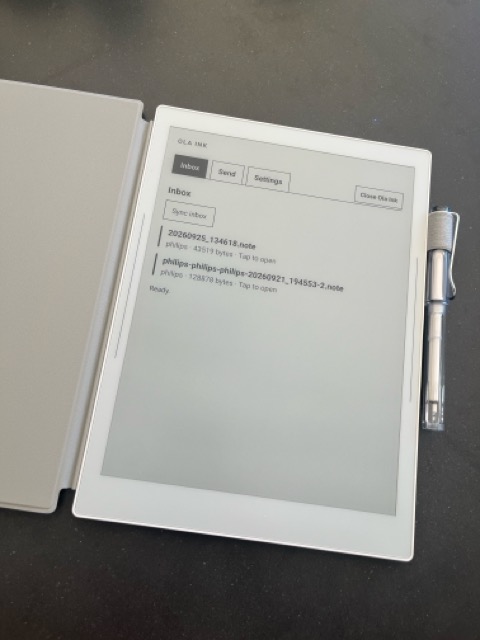
ON YOUR SUPERNOTE
Ola Ink opens as a plugin on your Supernote, so your inbox and outbox are always a tap away while you write.
Create your note on your Supernote as you normally would.
Choose Ola Ink in the NOTE sidebar to send the open note, encrypted end to end.
Type in your friend's Ola Ink username and send! Recipients needs an Ola Ink account but do not need a Supernote.
GET STARTED
Download the olainkplugin.snplg release asset and install it with Supernote Plugin Manager.
OLA INK FOR PI
Install the Ola Ink Pi plugin in Pi:
pi install npm:@olaink/pi-pluginPair the plugin from your Ola Ink dashboard, then run /olaink pair in Pi to receive encrypted Supernote notes as searchable PDFs and page images for your agent to review.
For agent use, we recommend a separate Ola Ink account and recognizable username rather than your personal address.
Pairing and usage